
Top Apps to Sideload on FireStick in 2026
Top Apps to Sideload on FireStick in 2026
Unlock the full potential of your FireStick beyond the Amazon App Store
The Amazon App Store contains most popular apps – but the most powerful FireStick apps are the ones you sideload. Sideloading means installing an APK file directly onto your FireStick, bypassing the App Store entirely.
How to Sideload Apps on FireStick
🔧 Step-by-Step Sideloading Process
- Go to Settings → My Fire TV → Developer Options
- Enable Apps from Unknown Sources
- Install Downloader from the Amazon App Store
- Open Downloader, enter the APK URL or Downloader code for your app
- Download and install the APK directly
Once installed, sideloaded apps appear in the Downloaded Apps section of your FireStick home screen.
Essential Sideloading Tool
DownloaderFree
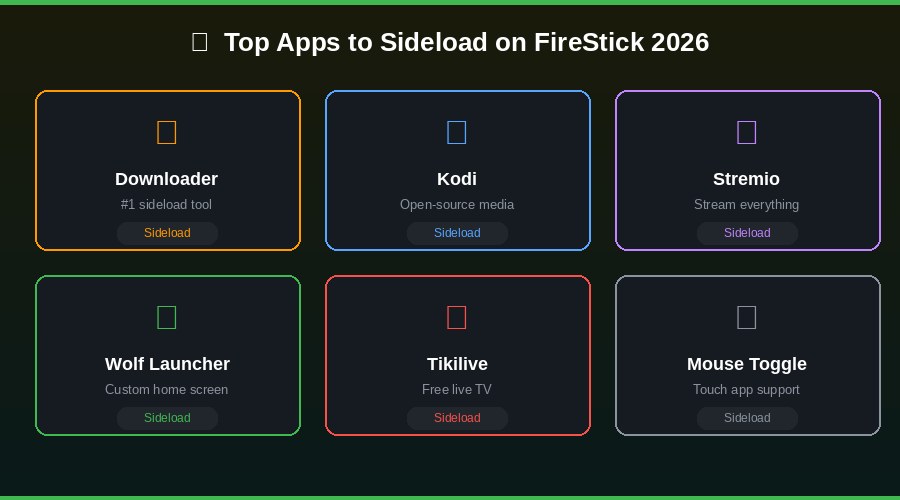
Downloader is the gateway app for all sideloading on FireStick. Enter any APK download URL or Downloader code and install any compatible Android app in minutes. It also functions as a basic browser. Available on the Amazon App Store.
Best Apps to Sideload
KodiFree
Kodi is the most powerful open-source media center available. It supports movies, TV shows, music, and live TV through community-built addons. Install via Downloader using the official Kodi download URL.
StremioFree + Paid
Stremio is the modern alternative to Kodi – more user-friendly with a cleaner interface. Addons are installed from an online catalog and synced across all your devices.
Wolf LauncherFree
Wolf Launcher replaces the default FireStick home screen with a clean, ad-free custom launcher. Must be sideloaded as Amazon does not allow home screen replacements.
TikiliveFree
Tikilive provides free live TV channels including sports, cartoons, and news – content not easily found on the Amazon App Store.
Mouse ToggleFree
Mouse Toggle creates a virtual mouse pointer on your FireStick screen, controlled by your remote. Makes touch-based Android apps fully navigable.
BlokadaFree
Blokada is an open-source ad blocker that works system-wide – blocking ads in every app. Free and constantly updated.